
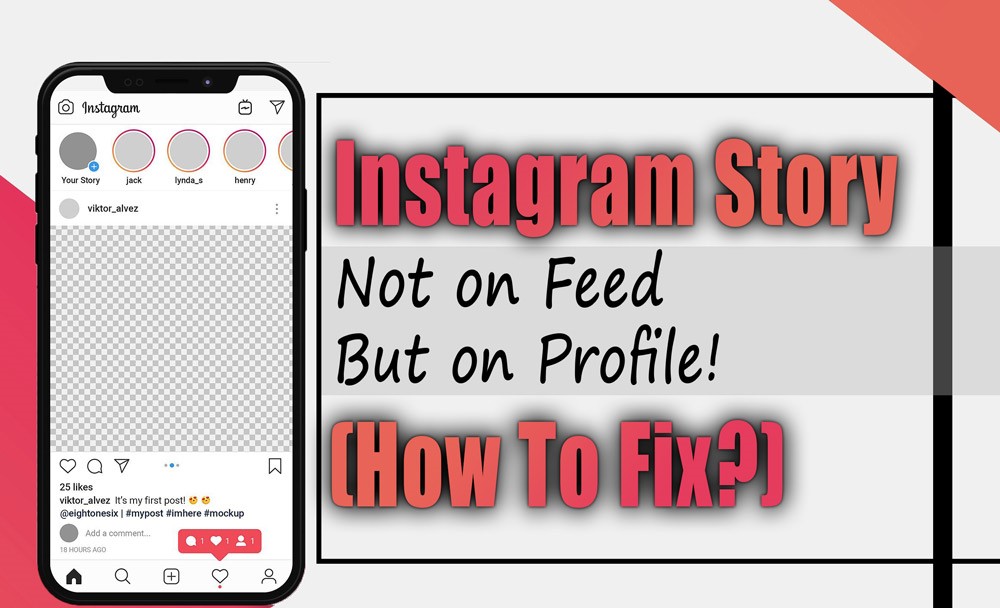
Instagram Story Not on Feed but on Profile! (How to Fix)
As Instagram today is one of the best social media platforms, having over a billion active users worldwide, it’s essential and crucial to know about the common issues on Instagram and how to fix them to be satisfied with the online platform.
Like other social media platforms, Instagram is acceptable and may sometimes have glitches and technical issues. Stay calm if you face a problem, such as having an Instagram story not on your feed but on your profile.
In this essay, we will delve into the issue of Instagram stories not appearing stories stories not appearing on the feeds but on profiles in detail, providing possible solutions for this common issue.
Let’s discover why you may face this issue and how you can fix it together.
Why can I not see a user’s Instagram stories on the feed?
One prominent Instagram technical issue reported by users on different platforms and websites is not being able to see some Instagram users’ stories on their feeds; however, they are available on their profiles, and you can watch their stories on their profiles.
This issue can have several reasons to occur that the main reasons are:
. Privacy setting
The Instagram user who posted the story may have customized their privacy settings and added limitations on who can see their story.
They may choose a specific group of flowers to see their story, and you must be included in those groups to see their Instagram story on your feed.

. Poor internet connection
Experiencing an unstable or poor internet connection can delay the functionality of Instagram and may lead to different issues, such as the Instagram story not being on the feed but on the profile issue, in which you aren’t able to see a person’s Instagram story unless you tap on their profile and watch it there.
So, make sure you have a stable and robust internet connection and switch between the connection types to see if the problem is solved.
. Temporary glitch or technical issue
Social media platforms such as Instagram sometimes experience server issues and technical glitches for hours.
These issues and glitches can prevent the display of specific Instagram stories on your feed; however, you can watch them on the person’s profile.
To overcome server issues, check the Instagram website to see if the issue is with Instagram servers and read if other Instagram users have the same issue with their Instagram account to be sure that the problem of not having specific Instagram stories on the feed is a glitch by Instagram.
. Account issues
If you can see specific stories of Instagram users on their profile, but they don’t show up on your Instagram feed, it can be because of issues with your Instagram account.
Make sure that your Instagram account doesn’t have any restrictions or limitations, or that you haven’t been banned by Instagram, which can affect your Instagram accessibility and prevent you from doing certain activities.
These were the main reasons why Instagram stories did not show up on the Instagram feed but in profiles, with possible solutions.
What other possible solutions exist for having Instagram stories not showing up on Instagram feeds?
Try a few things if you’re having trouble seeing your Instagram stories on your feed. Here are a few things to think about:
. Update Instagram
If you cannot see the individual stories on your Instagram feed, but they are available on the profiles, this can be because you are using an outdated Instagram version.
Ensure you are using the latest version of the Instagram app and update your Instagram if needed. You can check for updates on the app store (IOS users) or Play Store (android users).
. Force stop the Instagram app.
Try force-stopping the Instagram app if you can’t access Instagram stories on your feed but can see them on users’ profiles.
Force-stopping Instagram can stop the action of unwanted progress imp, improve the functionality of Instagram on your device, and resolve any related problems.
To force stop Instagram:
For Android
- First of all, open Settings and go to Apps.
- Next, scroll down to locate and choose Instagram.
- On the next page, choose FORCE STOP.
- Finally, restart your phone.
For iOS
- Firstly, open the App Switcher (double-click the home button or use the gesture if you have an iPhone X or later).
- Then, swipe right to find Instagram
- Finally, swipe up on the app preview to force close Instagram.
After taking the mentioned actions, see if you can see Instagram stories on your feed and check if they are not available just on Instagram profiles.

. Clear Instagram corrupted catch
Clearing and deleting Instagram’s corrupted cache and data can improve its functionality and overcome any issues.
By clearing Instagram’s corrupted cache and data and eliminating the unwanted downloaded date, you can resolve Instagram’s problem of not showing specific Instagram stories on your feed and just on profiles.
To clear the corrupted cache of Instagram consider taking the following steps:
For Android
- First of all, open your device’s Settings app.
- Then, tap on Apps & notifications.
- Select Instagram from the list of apps
- Tap on Storage & cache.
- Finally, tap on Clear Cache.
For iPhone users
- First of all, go to your device’s Settings.
- Scroll down and select General.
- Tap on iPhone Storage and find Instagram.
- Choose The Offload App to clear the cache without deleting your documents and data.
- Reinstall Instagram from the App Store to use it again
Conclusion
In summary, it is common for your Instagram stories to not show up on your Instagram feed but on your Instagram profile.
However, in this essay, we explained Instagram stories not on the feed but on the profile in detail, explaining the possible reasons for the problem, providing efficient solutions to fix it, and exploring Instagram without any issues.
Have you ever had the problem of not seeing special stories on your Instagram feed but on your profile? How did you overcome the issue?










Leave a Reply