

What Is a Spam Post on Instagram?
In today’s digital century, social media platforms like Instagram have become an environment for numerous forms of unwanted content, including spam posts.
These disturbing and often deceiving messages flood users’ feeds, disrupting the authentic and engaging experience Instagram aims to provide.
Understanding what establishes a spam post on Instagram is crucial to identifying and reporting such content, eventually contributing to a cleaner and more enjoyable online community.
Let’s delve deeper into the question, “What is a spam post on Instagram?” and explore how we can struggle with this inescapable issue.
What is the definition of spam on Instagram?
On Instagram, “spam” refers to unwanted content posted frequently, excessively, or misleadingly.
Spam on Instagram can take various forms, including:
1. Comments
Users can receive spam comments on their posts that are unrelated, promotional, or contain links to external websites.
2. Direct Messages (DMs)
Some users also can receive spam DMs from accounts promoting products, services, or scams.
3. Likes and follows
Accounts that engage in mass liking or following to gain attention or followers can be considered spammy.
4. Fake engagement
Accounts that use bots or automated tools to make likes, comments, or follows in a fake way are also considered spam on Instagram.
5. Promotional posts
Instagram may identify accounts as spam if they unreasonably promote products or services or present links without providing valuable or reliable content.
Instagram has guidelines and community standards to combat spam and maintain a positive user experience.
Users can report spam accounts, comments, or messages to help Instagram identify and address spammy behavior.
Users can create a safer and more trustworthy environment by reporting spam on Instagram.
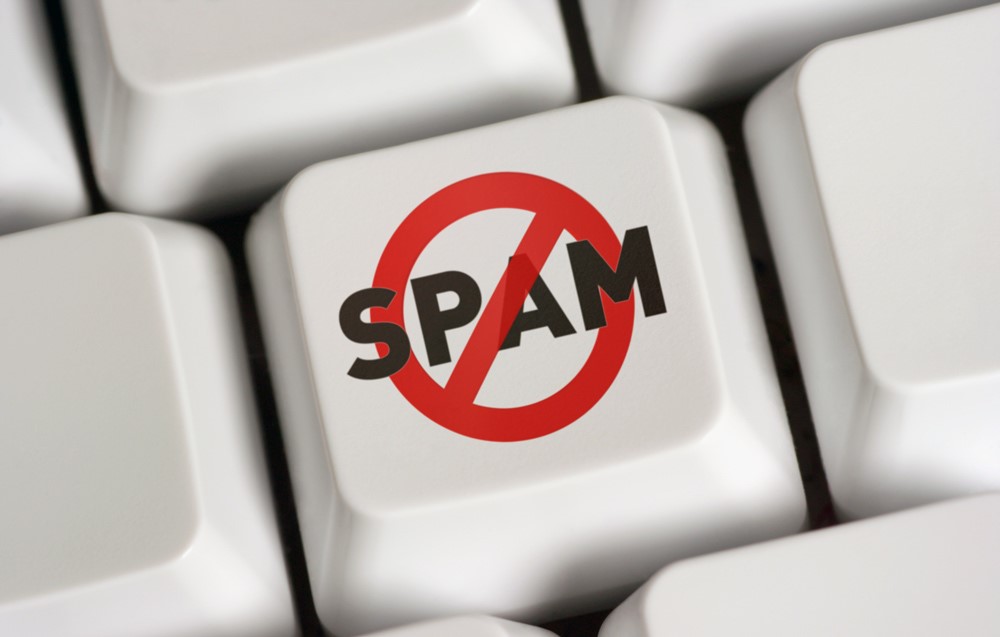
What is a spam post on Instagram?
A spam post on Instagram is unwanted and often hateful content posted frequently or in large quantities to promote products, services, or links misleadingly or disturbingly.
These posts typically do not provide any value to the user and may contain confusing information or fake offers to force users into engaging with them.
Spam posts can take countless forms, such as:
. Fake giveaways or contests
This type of spam on Instagram is about posts that claim to offer prizes or rewards in exchange for likes, comments, or following certain accounts but never do it.
. Irrelevant or repetitive content
The other type of Instagram spam concerns posts unrelated to the account’s theme or purpose or duplicated across multiple accounts to increase visibility.
. Phishing scams
Instagram Posts that contain links to fake websites designed to steal personal information or login IDs from innocent users.
. Overly promotional content
Some Instagram posts promoting products, services, or affiliate links without providing valuable or authentic content to users are other examples of spam posts on Instagram.
. Bot-generated comments or likes
The last spam posts on Instagram are comments or likes generated by automated bots rather than engagement from real users.
Identifying and reporting spam posts on Instagram is essential to creating a safe and enjoyable community for all users.
By understanding Instagram’s definition of spam posts and being cautious in reporting them, we can help fight misleading and harmful content on Instagram.
How to avoid spam posts on Instagram?
To circumvent having spam posts on Instagram, here are some tips to help protect your account and prevent spam:
. Set your account to private
By setting your account to private, you can control who can follow you and see your posts. This can help reduce the chances of receiving spam from unknown accounts.
. Be careful with third-party apps.
Be careful when granting access to third-party apps that request permission to post on your behalf or access your account. Only use trustworthy apps from trusted sources.
. Don’t click on doubtful links.
Avoid clicking on links in comments or direct messages from unknown accounts. These links could lead to fake sites.
. Report & block spam accounts
If you encounter spam accounts or posts, report them to Instagram by following the below steps. You can also block these accounts to prevent further interactions.
. Avoid buying followers or engagement.
Purchasing followers likes, or comments may expose your account to spammy behavior. Focus on growing your audience gradually.
. Enable two-factor authentication
Adding an extra layer of security with two-factor verification can help protect your account from illegal access.
. Regularly review your followers & following.
Occasionally check your followers and following lists for any suspicious or inactive accounts. Unfollow or block accounts that seem spammy.
. Educate yourself & stay informed.
Stay updated on the latest Instagram policies and security tips to understand better how to identify and avoid spam on the platform.
Following these tips and being cautious about the content you engage with on Instagram can help minimize the risk of meeting spam posts on your account.

How to report a spam post on Instagram?
To report a spam post on Instagram, follow these steps:
- Initially, open the Instagram app on your mobile device and log in to your account.
- Then, move to the spam post that you want to report.
- Now, tap the three dots in the post’s top right corner.
- A menu will appear with several options. Tap on “Report.”
- Next, select the reason why you are reporting the post. In this case, choose “It’s spam.”
- Follow the prompts to provide additional information or details about why you believe the post is spam.
- Finally, tap “Submit” to send the report to Instagram for review.
Instagram will review the reported post and act appropriately if it disrupts community guidelines.
Reporting spam helps keep the platform safe and free from unwanted or misleading content.
Conclusion
In conclusion, awareness of a spam post on Instagram is essential for maintaining a positive and secure online experience.
By staying informed and alert, you can protect your account better and engage with reliable content on the platform.
Now, let’s spark a conversation with you!
How would you define a spam post on Instagram? Have you ever come across one? If so, how did you identify it?
What actions do you take when you find a probable spam post on your feed or in your messages?
We look forward to hearing your insights and experiences in the comments below!
Let’s continue to learn and support each other on social media platforms.







Leave a Reply